
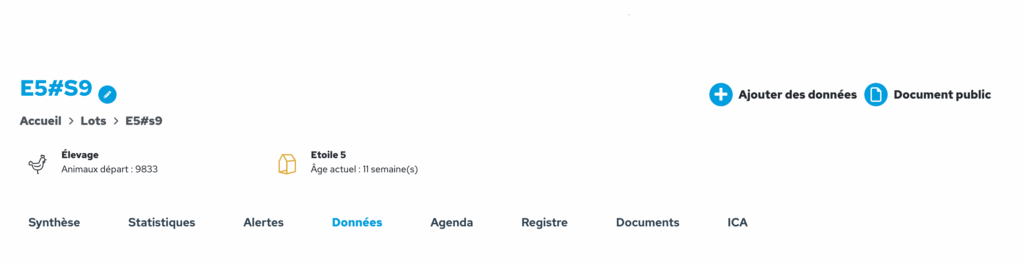
In the horizontal menu for the flock, click on ‘Data’ to view all the data entered for that batch in table form. You can view it by day or by week. You can customise the display by selecting the columns you wish to see, and save your preferences.
There is a filter to show days on which no data has been entered, or, conversely, to hide them.
The customised table can be exported to Excel format.