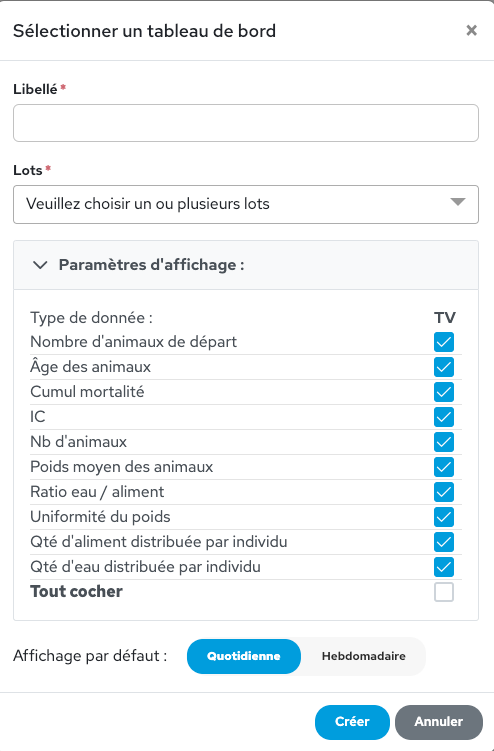
The dashboard allows you to save a customised view of the data so that you can see all the information you need at a glance and in one place. This saves you from having to create a new query every time. You can create as many dashboards as you need, for example: one to display production batches, another for rearing batches, and one to compare batches from two different years…
In the vertical menu on the left, click on ‘Dashboard’ and then on the cog icon.
To create a new dashboard, click on the ‘+’ icon in the top right-hand corner. Choose a name for this new dashboard and select the batch(es) from which this dashboard should retrieve information. Then choose the data to display – daily or weekly – and click “Create”.