You can add photos or videos from the property’s calendar.
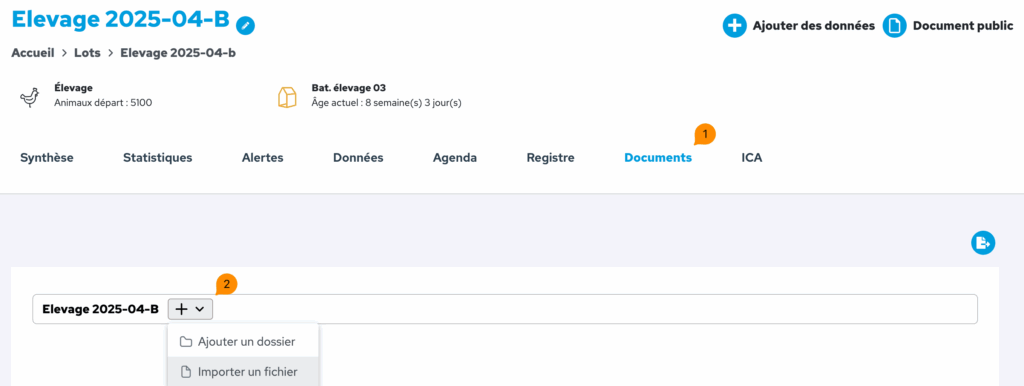
Select the desired flock, then access the calendar from the flock’s horizontal menu by clicking on ‘Calendar’.
Click on ‘Add an event’ then ‘Event type’: Media.
The photo or video will appear in the calendar and will be visible to everyone who has access to that flock.