You can change the number of animals in an existing batch up to 3 weeks after it has been created.
There are two ways to do this:
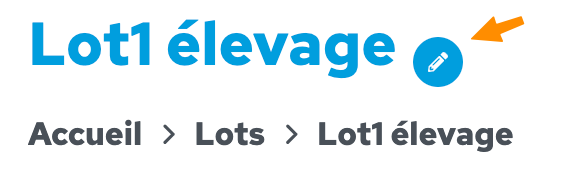
From the lot’s home page:
Click on the pencil icon next to the lot’s name at the top of the page
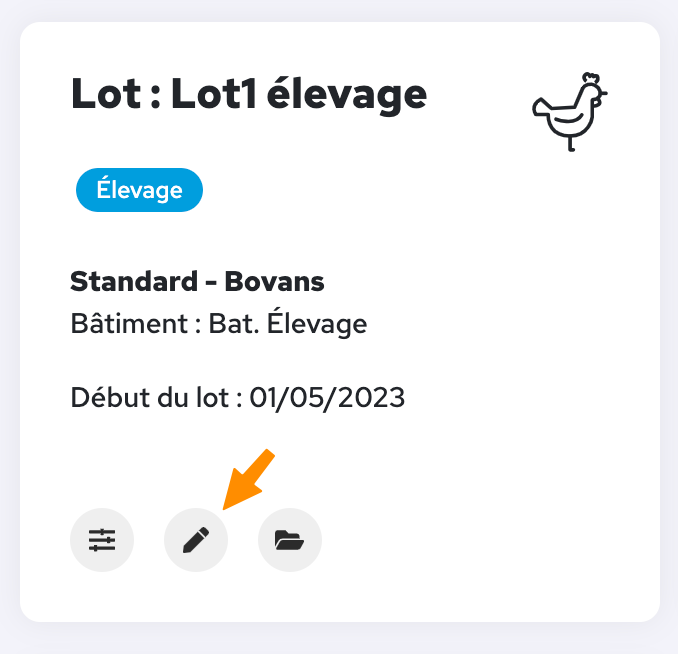
From the ‘Batches’ menu on the home page: In the relevant batch, click on the pencil icon