
Entering data by building allows you to enter data for several flocks at once. The data is then distributed amongst the lots located in that building. Please note that data entered in this way will overwrite any existing data for the same period.
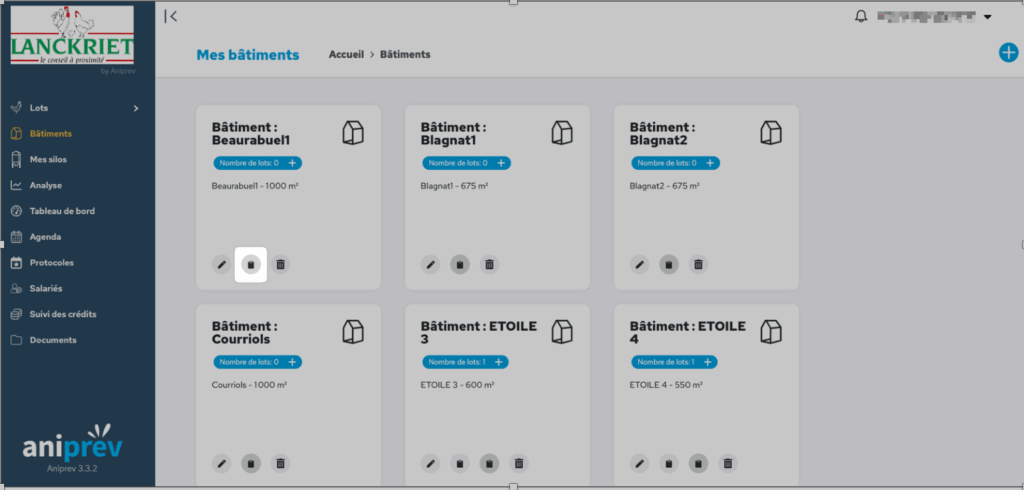
To enter data by building, click on ‘Buildings’ in the left-hand menu, then click on the ‘Add data’ icon for the relevant building.
Specific fields:
- Entry by period: tick this box to record data for a period rather than a specific day.
- Shift: By clicking on the ‘+’ icon on the right, you can enter the times of the shifts.